
Why Your Shared Mailbox Costs More Time Than You Think

by Robin Hartmann

Shared mailboxes are supposed to make handling requests easier. In practice, the opposite often happens. They have been the central point of contact for incoming requests for years. But are they still fit for purpose, or have they long since become a bottleneck?
The same pattern shows up again and again in practice: shared mailboxes have grown over the years and somehow just work. Until no one can say who is handling a request anymore, how long it has been sitting there, or whether it has already been answered. The result is duplicate work, long response times, and unnecessary coordination effort.
In this article, we look at why shared mailboxes become a productivity killer, where the biggest time loss actually happens, and what an automated process looks like in practice.
Why Shared Mailboxes Become a Problem
Shared mailboxes do have their place. They bundle requests centrally and give customers, applicants, or colleagues a single address to reach out to. The problem starts afterward, during processing.
Without a clear structure, things quickly become opaque: no one knows exactly who is responsible for which request, what status it is in, or who covers for the responsible colleague while they are on vacation. The real problem here is usually not the email program itself, but the fact that an email gets mistaken for a process. An email is communication. A process needs ownership, status, transparency, and traceability.

Would you like to know how companies in the construction industry can process their specifications faster and more precisely with AI? Here is a current podcast.
The Cherry-Picking Problem
An effect seen in many teams is so-called “cherry-picking.” Employees prefer to pick out the simple, quick-to-answer requests from the shared mailbox. More complex or unpleasant requests are left behind, sometimes for days, because no one feels explicitly responsible for them.
The result is an imbalance in processing. Simple requests get handled quickly, while the genuinely important or urgent cases quietly pile up in the inbox.
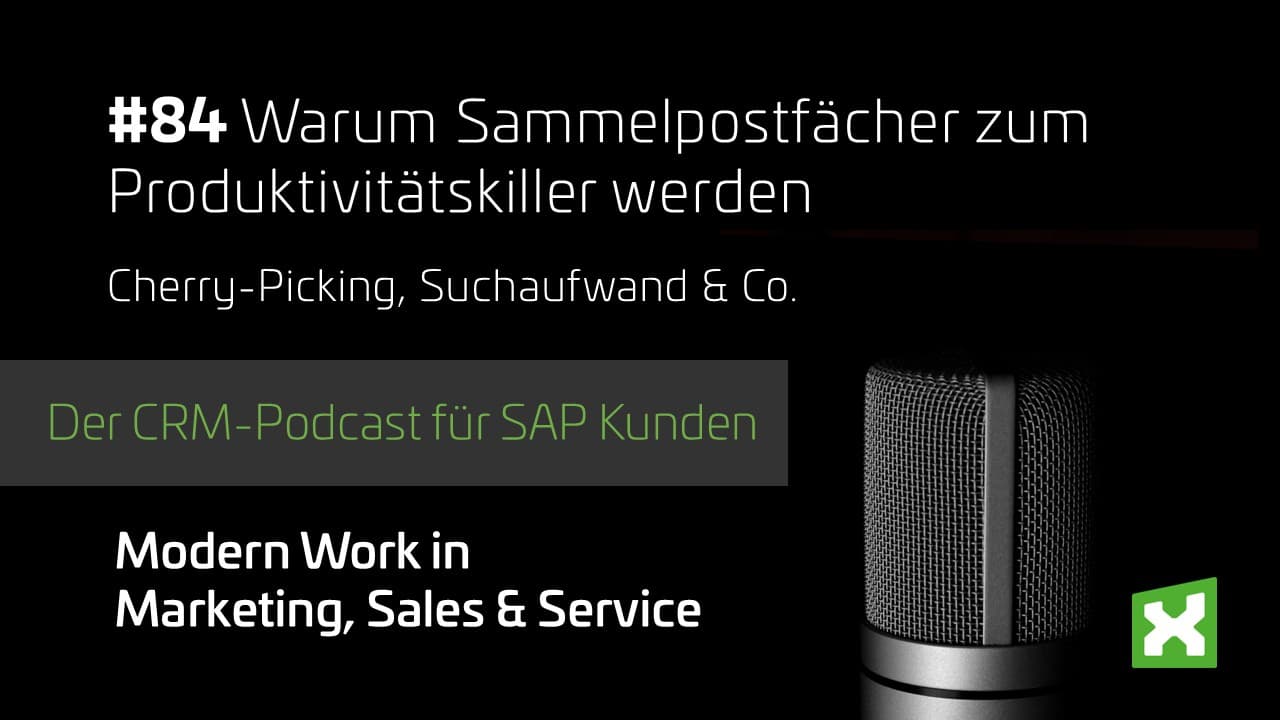
Would you rather listen to a podcast on this topic?Here you can find the appropriate episode.
Speed to Lead: Why Response Time Determines Success
Sales teams in particular know how costly a slow response can be. The speed-to-lead principle describes the direct link between response speed and the likelihood of success:
the faster a request is answered, the higher the chance of closing successfully. A shared mailbox without clear processes runs directly against this principle. Requests sit unnoticed, ownership is unclear, and valuable time passes before anyone even responds.
The Real Time Sink: Searching for Information Instead of Processing It
The biggest time loss in dealing with shared mailboxes, however, rarely happens in the actual response. It happens before that: opening SAP, opening the CRM, digging through old emails, just to understand what a request is even about.
A recent study confirms this picture: service employees spend, on average, only about 39% of their time actually with the customer. The rest goes into searching, gathering, and coordinating information across different systems. This is exactly where the biggest, most underestimated potential for savings lies. Not in the processing itself, but in everything that precedes it.
What a Digital Process Looks Like
An automated shared mailbox process addresses exactly these points. In practice, the following building blocks can be implemented with Microsoft 365:

Entdecken Sie, wie Ihr Unternehmen Leistungsverzeichnisse dank Künstlicher Intelligenz schneller, fehlerfrei und ohne Medienbrüche bearbeiten kann – für mehr Aufträge und weniger Stress.
Lassen Sie uns gemeinsam herausfinden, wie Ihr idealer Anfrage- und Angebotsprozess aussehen kann. Direkt, praxisnah und auf Augenhöhe.
The Role AI Plays
Artificial intelligence supports classification, assignment, and preparation of requests. It does not, however, make the final decision. Final processing and communication remain in the hands of employees. AI mainly takes over the tasks that have cost the most time so far: recognizing, assigning, and providing information, not the actual professional or interpersonal decision.
“The AI suggests certain things, but the end user is still the decision-maker who says in which direction it goes.”
Robin Hartmann, Head of Microsoft Business itmX GmbH
Conclusion: From Shared Mailbox to Digital Process
Shared mailboxes are not going away, and they do not need to. What matters is how the processing behind them is organized. Anyone who automates the search for information, clearly defines ownership, and links requests directly to CRM or SAP gains noticeable time back. Not through faster typing, but through less searching.
Want to get started with the Power Platform?
Discover how you can seamlessly integrate your systems, automate processes and thus bring more efficiency, transparency and sustainability to your digitalization.
We will show you how you can make your processes smart and simple – personally and at eye level.
📅 Make a
👉 personal appointment now Learn more about the Power Platform
About The Author


👉 Did you know? About itmX GmbH
We have been a CRM specialist for SAP customers for many years. But the digital world of work has changed – and we have changed with it. In recent years, we have systematically expanded our portfolio and set up our own Modern Work Unit. This supports companies in digitizing and automating processes with the Microsoft Power Platform toolset.
The result: solutions that intelligently connect SAP and Microsoft, accelerating workflows, minimizing manual tasks, and creating entirely new opportunities for collaboration.
So if you are wondering whether itmX can also digitize and automate your individual processes, the answer is clear: Yes. Talk to us with your specific request – together we are sure to find an efficient solution.
You can find more content on this topic here:

AI for an optimized CRM
Using AI to optimize customer relationship management How to guarantee even more efficient customer management by Robin Hartmann According to a bitkom study , [...]

KESSEL SE + Co. KG digitizes approval processes with Microsoft Power Apps
KESSEL SE + Co. KG digitizes approval processes with Microsoft Power Apps in the throughput time of approval processes in the approval process With innovative drainage solutions, KESSEL SE [...]

Modern Workplace in Mechanical and Plant Engineering
Modern Workplace in Mechanical and Plant Engineering Harness the power of Microsoft 365 and the best CRM for SAP customers Download now Design the Modern [...]