
Revolutionize your day-to-day work by connecting your CRM & SAP data to the Microsoft world
customer realtimeXperience 365 is a portfolio of intelligent business applications that takes your efficiency to a new level and perfectly combines the worlds of CRM, Microsoft and SAP and leads your itmX crm into the digitized future.
No matter when, where and how your colleagues work – customer realtimeXperience 365 connects all the people, data and processes of your entire company.
The special feature: You keep your data on premise and work device-independent in the Microsoft Azure Framework in the cloud.

Your data and processes where you need them
Every company has special processes and requirements in the areas of marketing, sales, service and commerce. And not every requirement can be covered with itmX crm . That’s why we use the Microsoft Power Platform as a low-code extension platform to make your processes fit for the future. As an add-on to your previous CRM solution, customer realtimeXperience 365 builds on the existing data and processes and ensures that your available working time is used as efficiently as possible, so that you can take care of the further development of your business.
Increase your productivity and focus on impressing your customers with exceptional experiences. Thanks to itmX customer realtimeXperience 365, you can simplify and optimize your processes, manage your projects successfully and derive the decisions that drive your business forward from your data.
customer realtimeXperience explained in 1:30 minutes
You are currently viewing a placeholder content from YouTube. To access the actual content, click the button below. Please note that doing so will share data with third-party providers.
More InformationHow customer realtimeXperience 365 maximizes the efficiency of your day-to-day work
You can’t quite imagine how all this is supposed to work together? No problem, we have put together some exemplary use cases for you here.
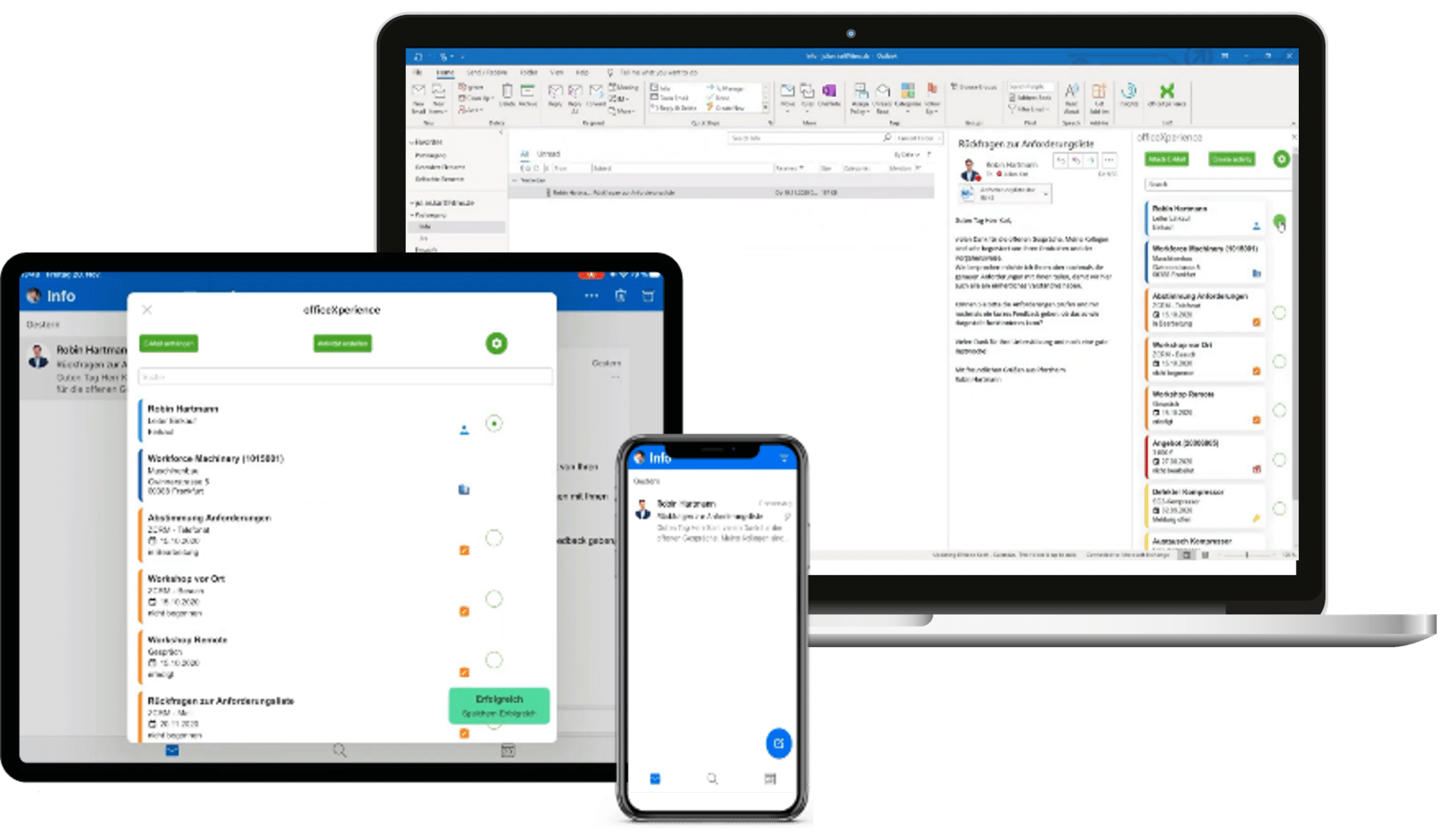 360° view anytime and anywhere with the smart Outlook add-in
Put an end to annoying jumping back and forth between IT systems or copying information back and forth. With officeXperience, you will receive all CRM information about the contact person and the company directlyin your Outlook mailbox. Checking in e-mails is also child’s play – one mouse click is all it takes and the e-mail is archived at the contact person. You can now even control the creation of activities or sales opportunities directly from your e-mail inbox.
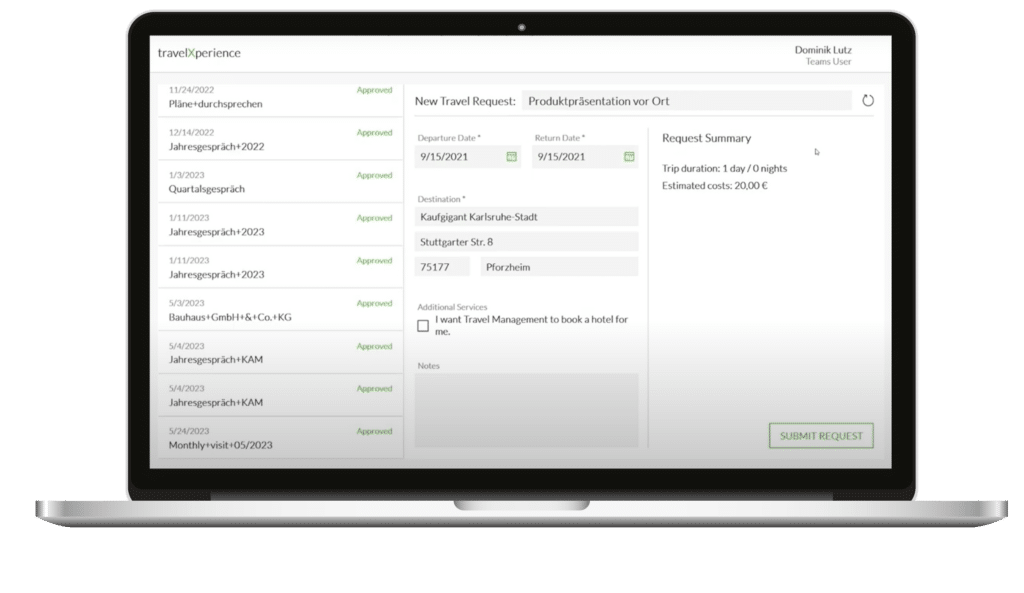 Submit a travel expense request from CRM Visit Report
Automation is the be-all and end-all when it comes to increasing the efficiency of your business processes. So why not automate repetitive tasks or routine processes?
In the following video, we show you how, for example, you can initiate a travel expense request directly from a visit report in the CRM.
 CRM Mail Briefing
Receive the most important information from the itmX crm regularly and proactively directly into your Outlook mailbox.
Whether daily or weekly, the CRM Mail Briefing regularly reminds you of your:
- Overdue tasks
- Upcoming visits
- current offers and orders
- existing and new sales opportunities
- Existing and new service notifications
- ….

Voice to Text Visit Report
Entering visit reports via voice is nothing new. In the age of artificial intelligence, however, you can make this process much more efficient by not only transcribing the spoken text, but also analyzing it in such a way that the corresponding information is routed directly to the CRM. And from there, fully automated follow-up activities are created based on the spoken text.
For example, a sales opportunity including product and sales value can be created directly from the spoken visit report and forwarded to the office staff for further processing.
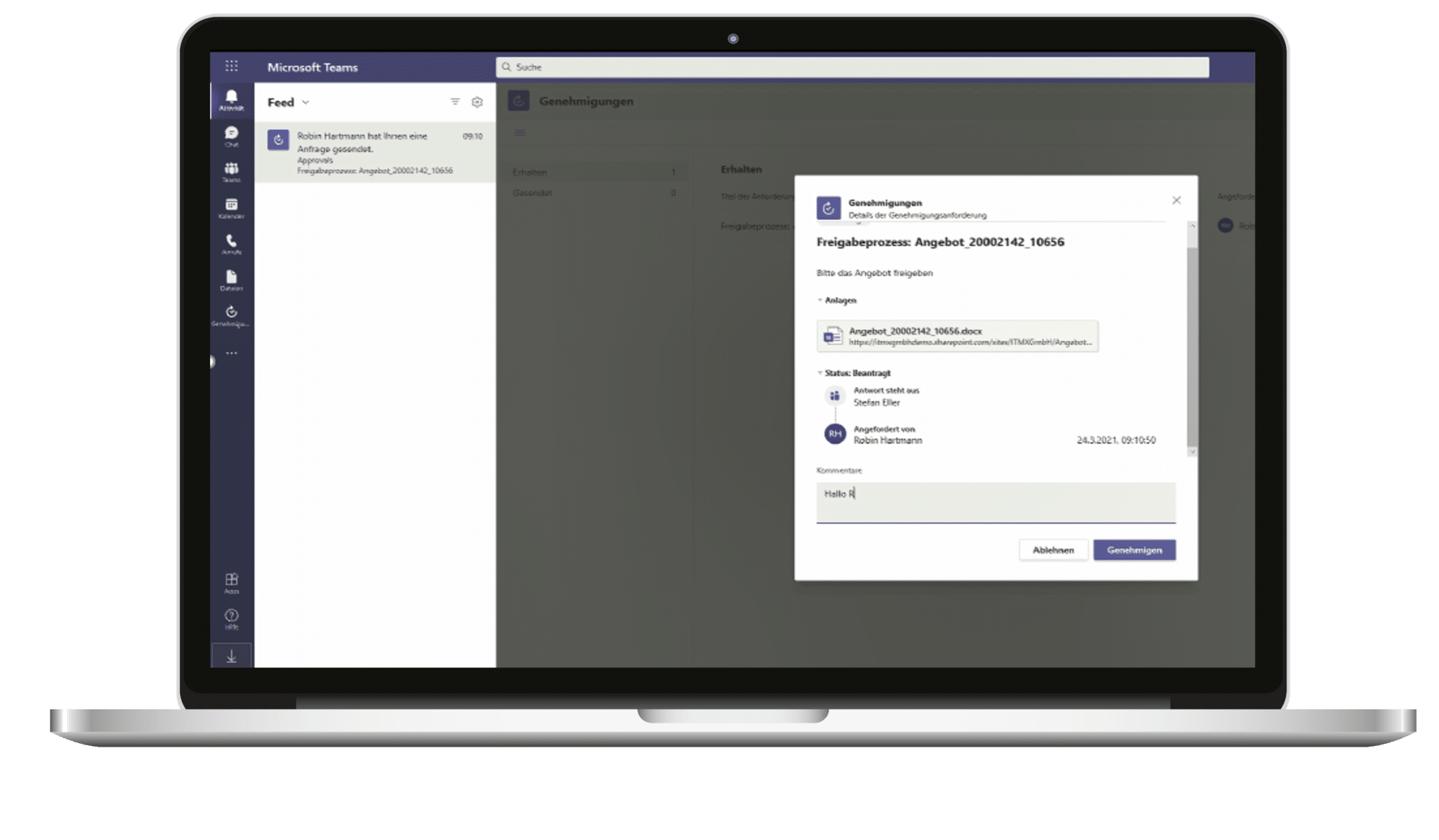
Offer approval via Microsoft Teams
Get to your approvals faster by deploying approval workflows directly in Microsoft Teams .
In the case of an offer, it is still created directly in the CRM and stored there. Thanks to Microsoft Power Automate, the approval process is now initiated in such a way that the people involved in the process receive a notification via Microsoft Teams and can now also approve the offer directly there.
This saves you the hassle of pushing e-mails or documents back and forth and also gives you full transparency about the status of the workflow.
 “We believe in making work easier, so you can focus on what’s important. That’s why we optimize the way of modern work with itmX crm, SAP and Microsoft!”
Stefan Eller, Managing Director, itmX GmbH
 “We chose crX365 to further professionalize our processes and increase efficiency by better integrating SAP, the itmX solution, and Office 365. With a focus on modern AI technologies and seamless system integration, we are creating the foundation for a sustainably stronger sales performance.”
Dirk Zimmer, Vice President Sales, Bertrandt AG
 “The primary motivation for introducing crX365 at Dyckerhoff was to establish the foundation for future applications in the field of artificial intelligence, such as market analyses.“
Wolfgang Peseke, Head of IT, Dyckerhoff GmbH
 “The primary motivation for introducing crX365 at Dyckerhoff was to establish the foundation for future applications in the field of artificial intelligence, such as market analyses.“
Mandy Regensburger, IT / SAP Consultant, Kessel SE + Co. KG
 “At the beginning of our webXperience project, Mr. Stump said: “We want to let the software fly”. Yes, now our pilot is flying, and even really high. And we owe this not only to our project team, but especially to the support of the itmX team.”
Silke Senkel, Global CRM Manager IT, Stiebel Eltron GmbH & Co. KG
And that’s why we rely on powerful partnerships


These components are part of the itmX customer realtimeXperience

itmX webXperience
itmX webXperience combines intuitive operation with an interface that adapts to your requirements. Keep an eye on your customers at all times – no matter on which device – and access your data in SAP ECC or S/4HANA in real time.
itmX officeXperience
With the smart add-in officeXperience , you can boost your processes. In your Outlook inbox, you always have an overview of all important data about your customer and can create CRM activities directly from Outlook. This simply makes the work more fun!

itmX BI Xperience
Are you already using the data generated in the various departments to derive decisions from it? With itmX BI Xperience , you can equip your business units with reporting based on Microsoft Power BI.
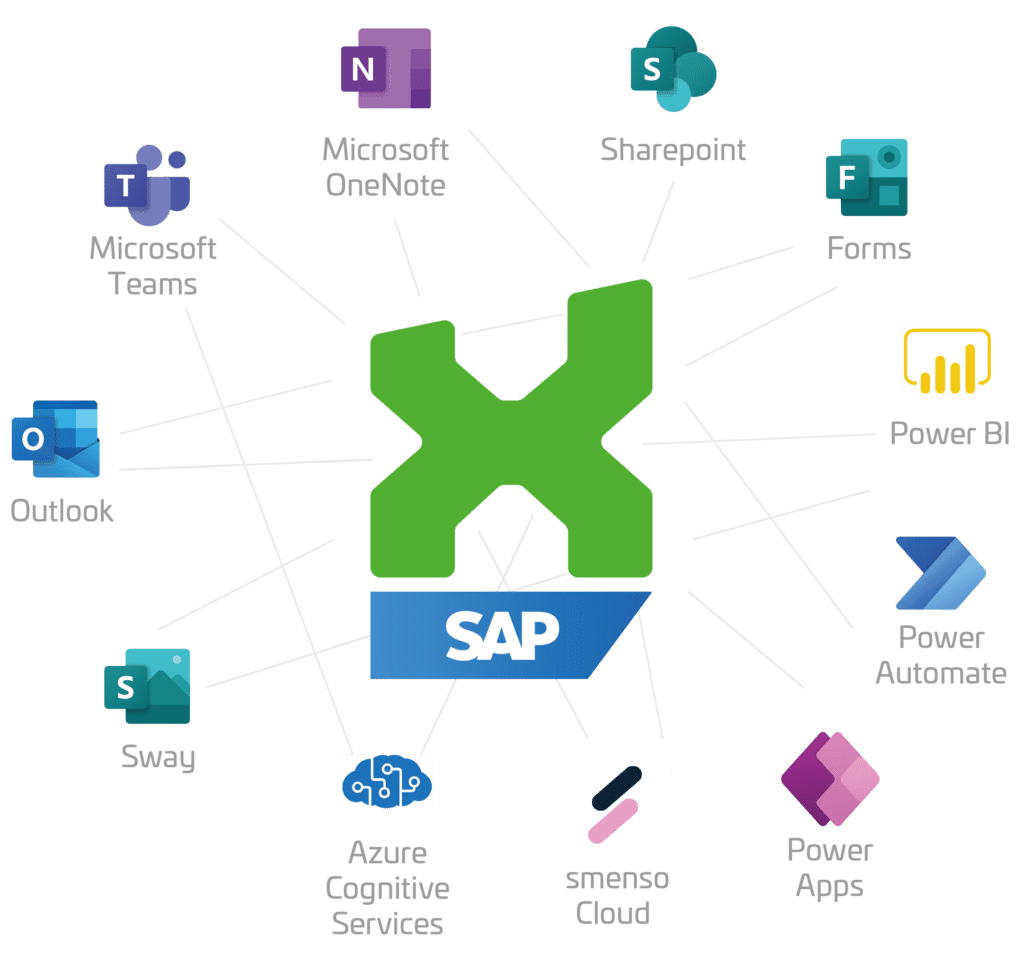
The toolset for your Modern Workplace
Entrepreneurial success is increasingly determined by the digitalization of your business processes. To this end, new innovations and tools are created almost every day that can drive your business forward. But which of them are especially suitable for you? And what is really important for the daily work of your colleagues?
This is where we come into play: We help you analyze what is really important for your business, which processes will move you forward and which tools are necessary for this. You benefit from our extensive know-how in SAP, CRM and the Microsoft Power Platform.
You can find out more about this in our Customer Experience Blog

Why Your Shared Mailbox Costs More Time Than You Think
Why Your Shared Mailbox Costs More Time Than You Think by Robin Hartmann Shared mailboxes are supposed to make handling requests easier. In practice, the [...]

Launch Power Platform Today: How AI Is Changing the Way You Get Started and Why Governance Remains Critical
Launch Power Platform Today: How AI Is Changing the Way You Get Started and Why Governance Remains Critical by Robin Hartmann Anyone who has dealt with [...]

LinkedIn Ads in B2B: How LinkedIn Lead Generation Really Works
LinkedIn Ads in B2B: This is how LinkedIn lead generation really works By Nicole Bräuner LinkedIn Ads are one of the most effective, but [...]

Would you like to reach us in the meantime?
Do you have any questions about our event or a question about our products? Please feel free to contact us. We look forward to hearing from you.
Dagmar Cölln, Senior Sales
Mail: sales@itmx.de
Phone: +49 7231 968 25 10